Company Equipment Management
Complete IT equipment registry - from ordering, through employee assignment, to decommissioning. Statuses, attributes, inventory codes and card view.
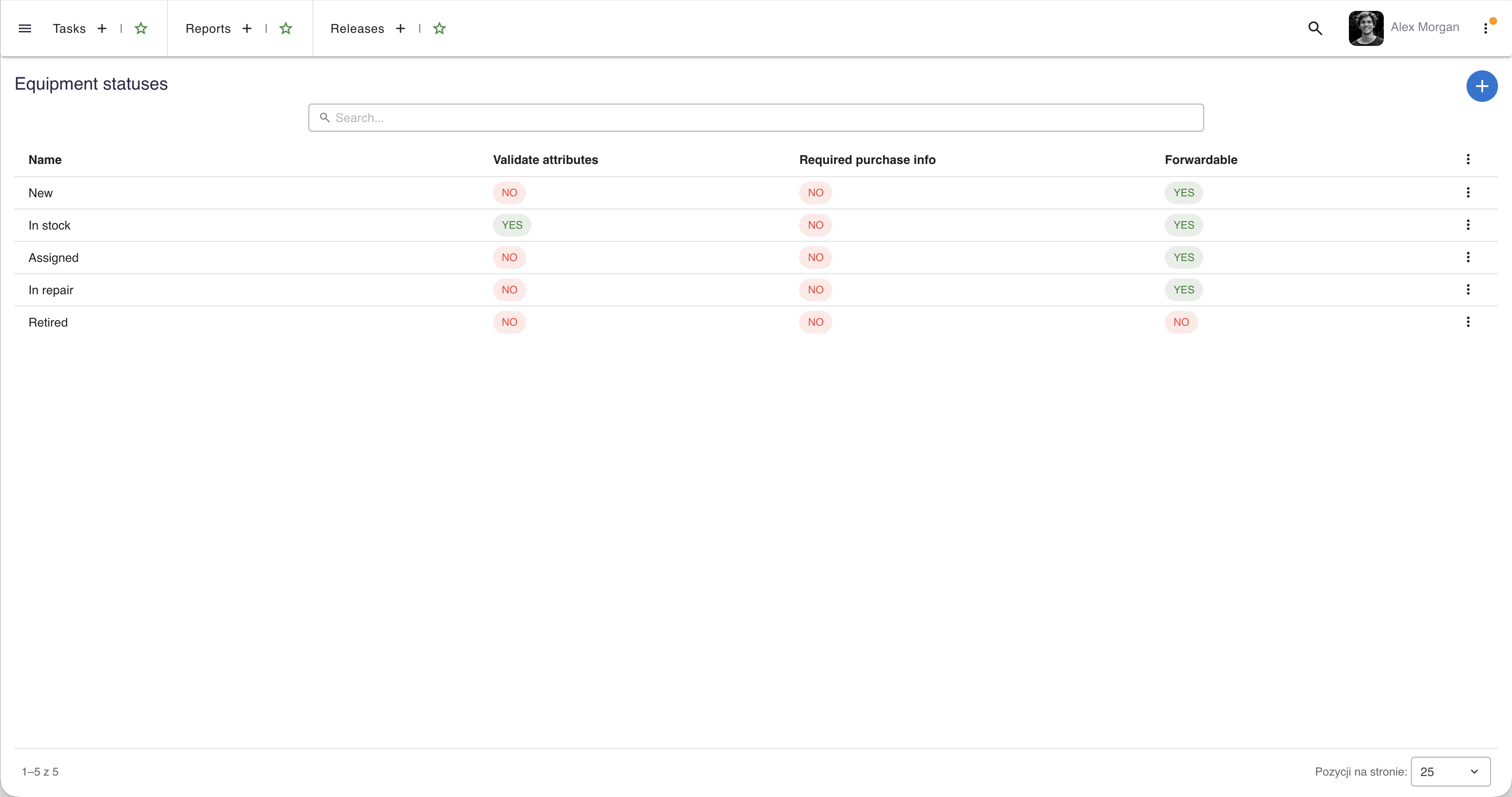
Full lifecycle management
Track every piece of company equipment from purchase to retirement.
Equipment cards
Each item has a detailed card with model, serial number, inventory code, purchase date, warranty info and current assignee.
Status workflow
Track equipment through lifecycle stages: ordered, in stock, assigned, in repair, decommissioned. Each transition is logged.
Custom attributes
Define custom attributes per equipment category - RAM, storage, screen size for laptops; model, resolution for monitors.
Inventory codes
Generate and track unique inventory codes. Barcode/QR code support for physical asset management and audits.
Know who has what
Assign equipment to employees and track the full assignment history.
Employee assignment
Assign equipment to specific employees with one click. The employee profile shows all assigned equipment in a dedicated tab.
Assignment history
Full history of who had which equipment and when. Useful for audits, insurance and tracking equipment lifecycle.
Bulk operations
Manage multiple items at once - bulk status changes, category updates and assignment transfers.
Filters and search
Search equipment by status, category, assignee, purchase date or any custom attribute. Save frequently used filters.
Want to see more?
A meeting is the fastest way to see how say.work can streamline your team's work.
call Let's talk